
School security camera systems guide
How K-12 schools plan camera coverage, retention, privacy, and rollout without buying more hardware than the campus actually needs.
Five decisions that shape the whole system.
Coverage before camera count
Walk the campus and list the decisions you want video to answer: who entered, who was in the hallway, what happened in the bus loop. Camera counts follow from those questions.
Retention that matches policy
Pick 30, 60, or 90 days deliberately and make sure the platform stores it without a surprise storage upgrade in year two.
Cloud management
Cloud-managed cameras remove the recorder from the closet, update themselves, and give administrators secure access from any device during an incident.
Access control and audit trails
Front office staff, principals, and IT should have different permissions, and every footage view should be logged.
Smart search
Searching hours of footage by person or vehicle attributes turns a two hour review into a two minute one, which matters most on the day you need it.
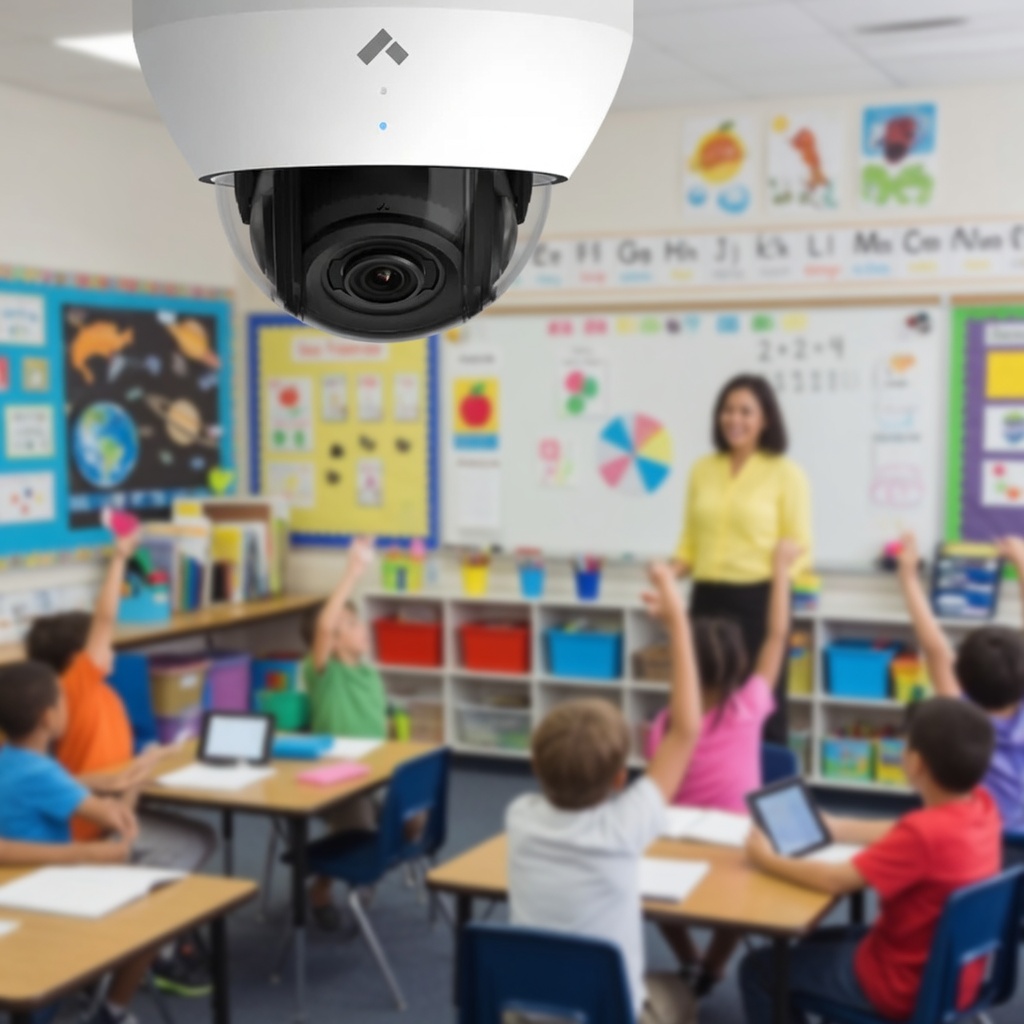
Where schools usually start.
- 1
Perimeter and entries
Main entrance, secondary doors, bus loop, and parking. This phase answers most visitor and after-hours questions.
- 2
Interior common areas
Hallway intersections, cafeteria, gym, and stairwell approaches. Pair with vape and air quality sensors for restrooms, where cameras cannot go.
- 3
Grounds and outbuildings
Portables, athletic fields, and storage buildings, usually funded in a later year once the core system proves itself.
Questions we hear on every campus walk.
Where should schools install security cameras first?
Start with entrances and exits, the main office and visitor path, bus loops and parent pickup, hallway intersections, cafeterias and gyms, and parking lots. Cameras never belong in restrooms, locker rooms, or changing areas.
How long should a school keep security camera footage?
Most K-12 schools retain 30 to 90 days. Thirty days covers the majority of incident investigations, while 90 days helps with claims and cases that surface late. Check your state and district record retention policy before you set it.
Is cloud video better than an on-premise NVR for schools?
Cloud-managed systems remove the server closet, apply security updates automatically, and let administrators review footage from a phone during an incident. On-premise recorders can be cheaper up front but carry hardware failure, firmware, and remote-access risk that small school IT teams absorb themselves.
How do schools protect student privacy with cameras?
Publish a written policy covering where cameras exist, who may view footage, how access is logged, and how long video is kept. Choose a platform with per-user permissions and audit trails so every footage view is attributable.
Let's make your school's technology just work.
Schedule a no-pressure consultation. We'll listen, learn your goals, and recommend a path that fits your budget, your team, and your students.